Piston, rotary, and dental compressors
Pressure, motor temperature, and oil temperature where those sensors are installed.

Explore equipment coverage, the setup process, and examples of the operating information your team can review.
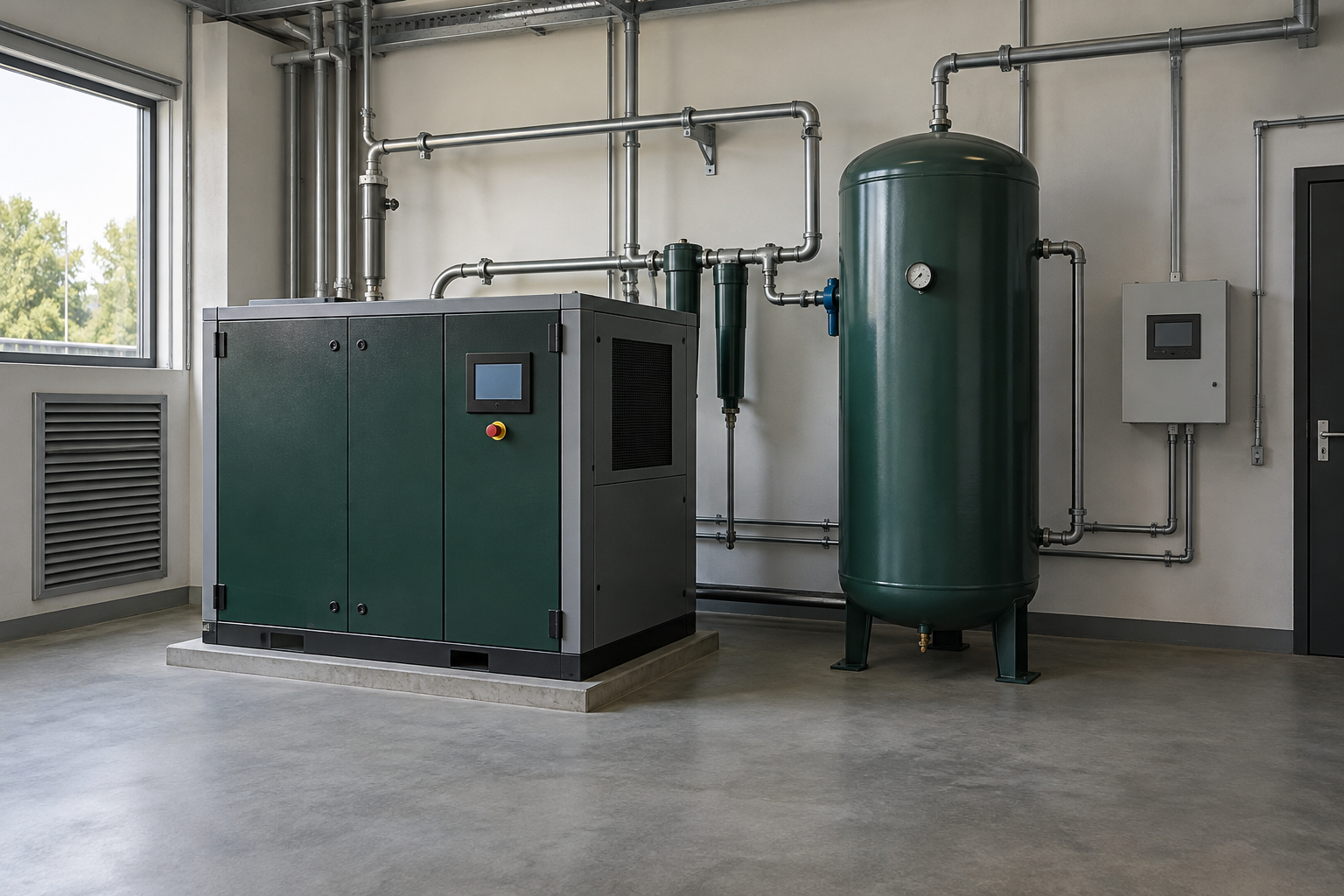
Pressure, motor temperature, and oil temperature where those sensors are installed.
Vacuum level and vacuum temperature.
Air temperature, relative humidity, and measured dew point from a compatible dew-point transmitter. Relative humidity alone does not establish pressure dew point.
Runtime and operating status depend on the available inputs and equipment configuration. Compatibility with your exact model, sensor ranges, power supply, and mounting points is reviewed before hardware is ordered.
Provide equipment type, make and model, the signals you want to monitor, and the locations involved. Confirm suitable sensor connection points with your service technician.
The monitoring device must reach Xeylex over the internet. Review Wi-Fi coverage in the equipment room or discuss a cellular Wi-Fi option. Device-specific network requirements and any cellular service costs are confirmed separately.
Arrange appropriate device power, protected mounting, and qualified installation. An administrator configures device connections, then verifies incoming readings with the equipment owner or service technician.
The platform accepts device readings through configured HTTPS connections, including supported Shelly setups. An online device alone does not confirm sensor calibration: selected signals, units, thresholds, and alert recipients must also be checked.
Check your equipment compatibilityIllustrative rotary compressor · 8-hour review window · 480 sample readings per sensor. This example shows the structure of an equipment review; it is not an actual customer report or an AI diagnosis.
| Sensor | Samples | Minimum | Mean | Maximum |
|---|---|---|---|---|
| Line pressure (PSI) | 480 | 115 | 118 | 121 |
| Motor temperature (°F) | 480 | 145 | 147 | 150 |
The sample pressure readings range from 115 to 121 PSI. A mean of 118 PSI describes these readings; it does not establish whether the system meets a manufacturer's operating limits.
Compare recorded conditions with the equipment's approved limits and service history. Ask an authorized technician to investigate persistent departures from those limits.
No manufacturer limits, measured energy use, or validated leak test are supplied. A safety grade, leak rate, and cost savings are therefore not established.
Actual report content depends on available readings, selected analysis options, and enabled account access.
Open printable sample reportA fictional workshop wants its owner and service company to see the same operating record. This illustrates a pilot plan, not a customer endorsement or measured result.